What is Proculy
Proculy is a Highly Customizable and Affordable Procure-To-Pay (P2P) SaaS or Cloud Platform Welcome to the Proculy Procurement Software Help Documentation. This guide provides you with detailed information on how to effectively utilize Proculy Whether you are new to Proculy or looking for a deeper understanding of its features, this document is designed to help you get the most out of your procurement process. Start Your Procurement Journey with Proculy First and foremost, congratulations on choosing Proculy as your trusted partner for procurement. Proculy is an intuitive, comprehensive software that simplifies your procurement process. This highly customizable and cost-effective solution is designed to enhance your efficiency and streamline your operations while introducing cost savings and enhanced visibility to your organization. A Closer Look at Proculy Proculy is your end-to-end procurement platform.Offering robust security and data protection, it is built on the reliable AWS platform. Its foundation is a well-structured microservice architecture comprising decoupled components. What Proculy Empowers You to Do Incorporating Proculy into your operations allows you to manage intakes, requisitions, requests for quotes, purchase orders, invoices, vendors, contracts, and budgets all within a single, user-friendly platform. This integration brings transparency and predictability to your spending workflows. Key Benefits of Proculy:High Customization:
Proculy adapts to your unique needs, offering a tailored solution for your procurement challenges.
Seamless Integration:
Proculy effortlessly fits into your existing systems without the need for major upgrades.
Robust Security:
With Proculy’s foundation on the AWS platform, your data remains secure and well-protected.
Microservice Architecture:
Proculy is structured with a microservice architecture, ensuring scalability and flexibility.
Real-time data dashboard
Customized Appearance Based on User Role and Permissions The look and feel of the application’s homepage are tailored to your specific role and assigned permissions. This help documentation primarily references the interface of a super administrator, the user responsible for creating and configuring the account and having full permissions. Depending on your user permissions, certain functionalities may not be accessible or configurable in your interface. Upon logging into your account, you will encounter the following screen: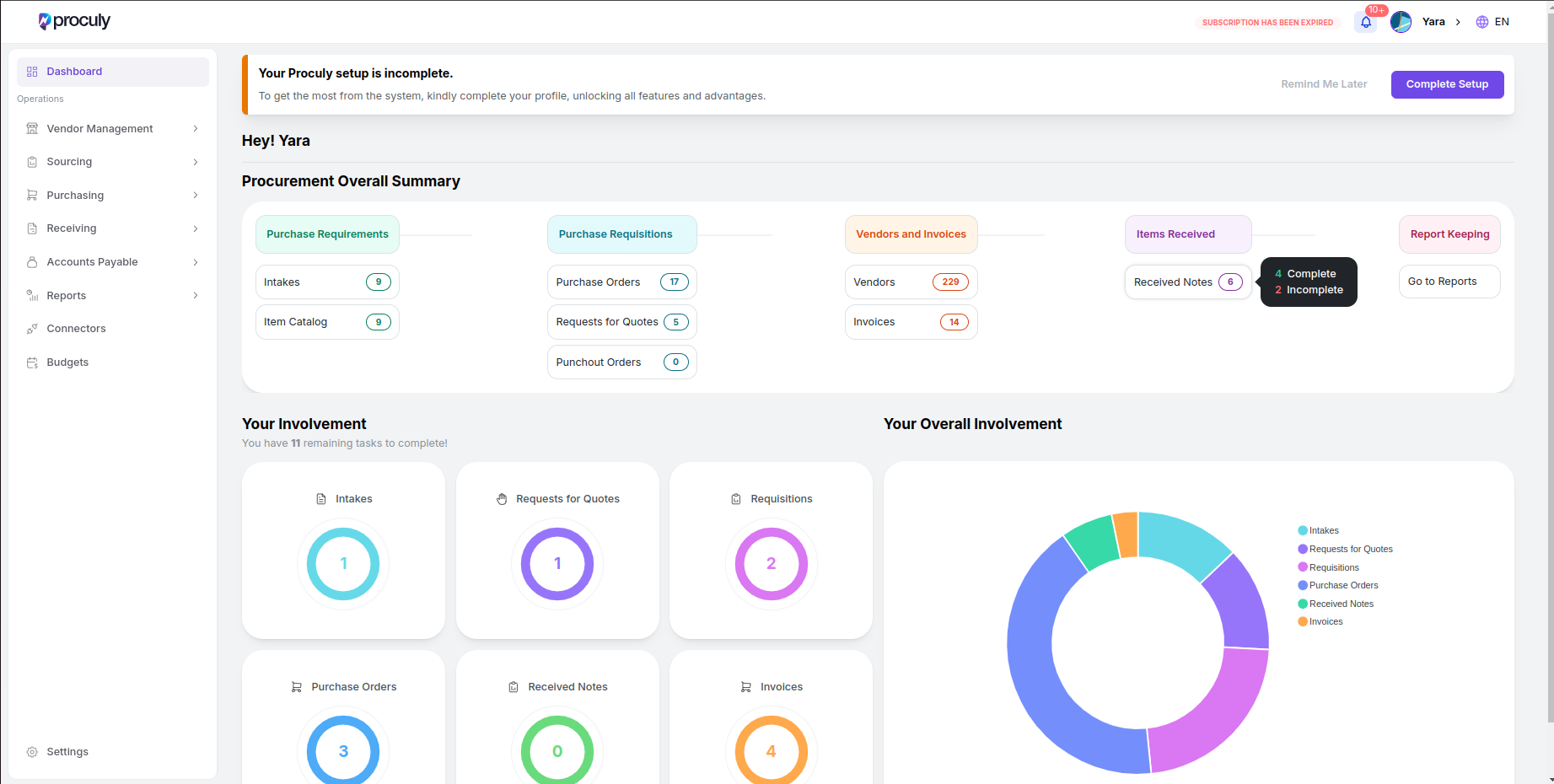
Your dashboard shows an overall summary of created procurement documents in the organization and the number of
pending items within each module for the logged-in user. You can navigate directly to your pending task lists from
the dashboard.
Item Catalog
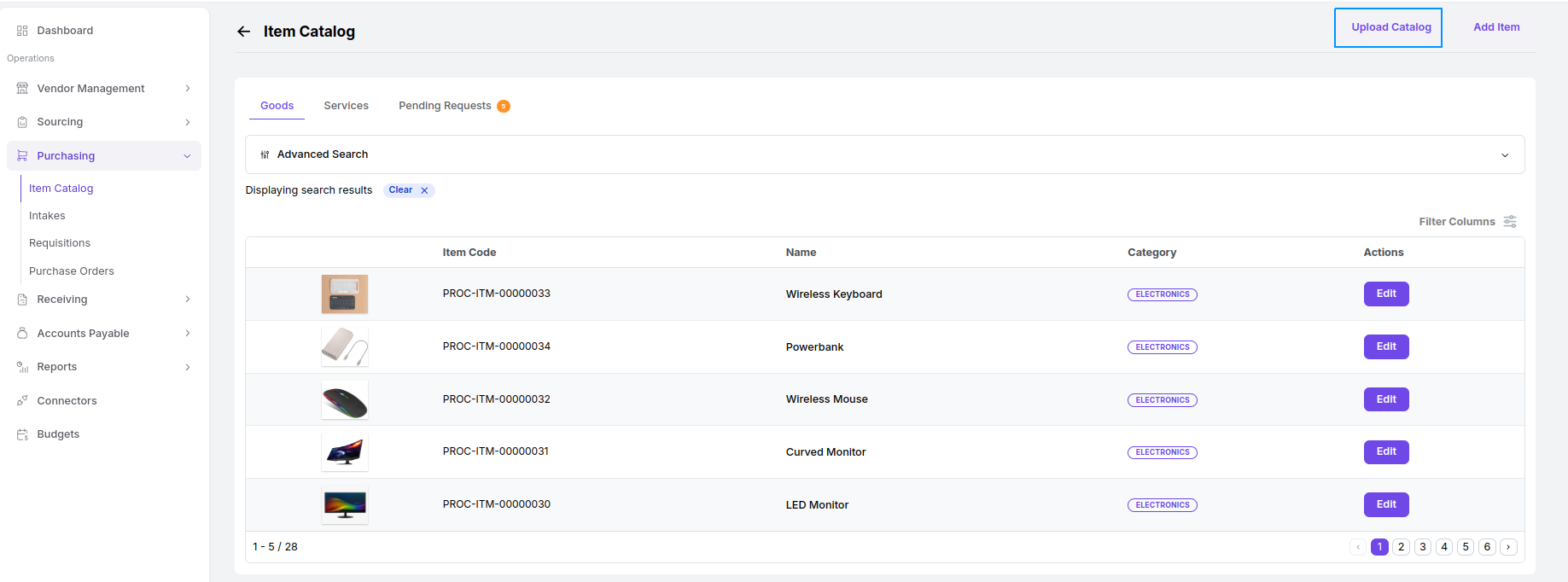
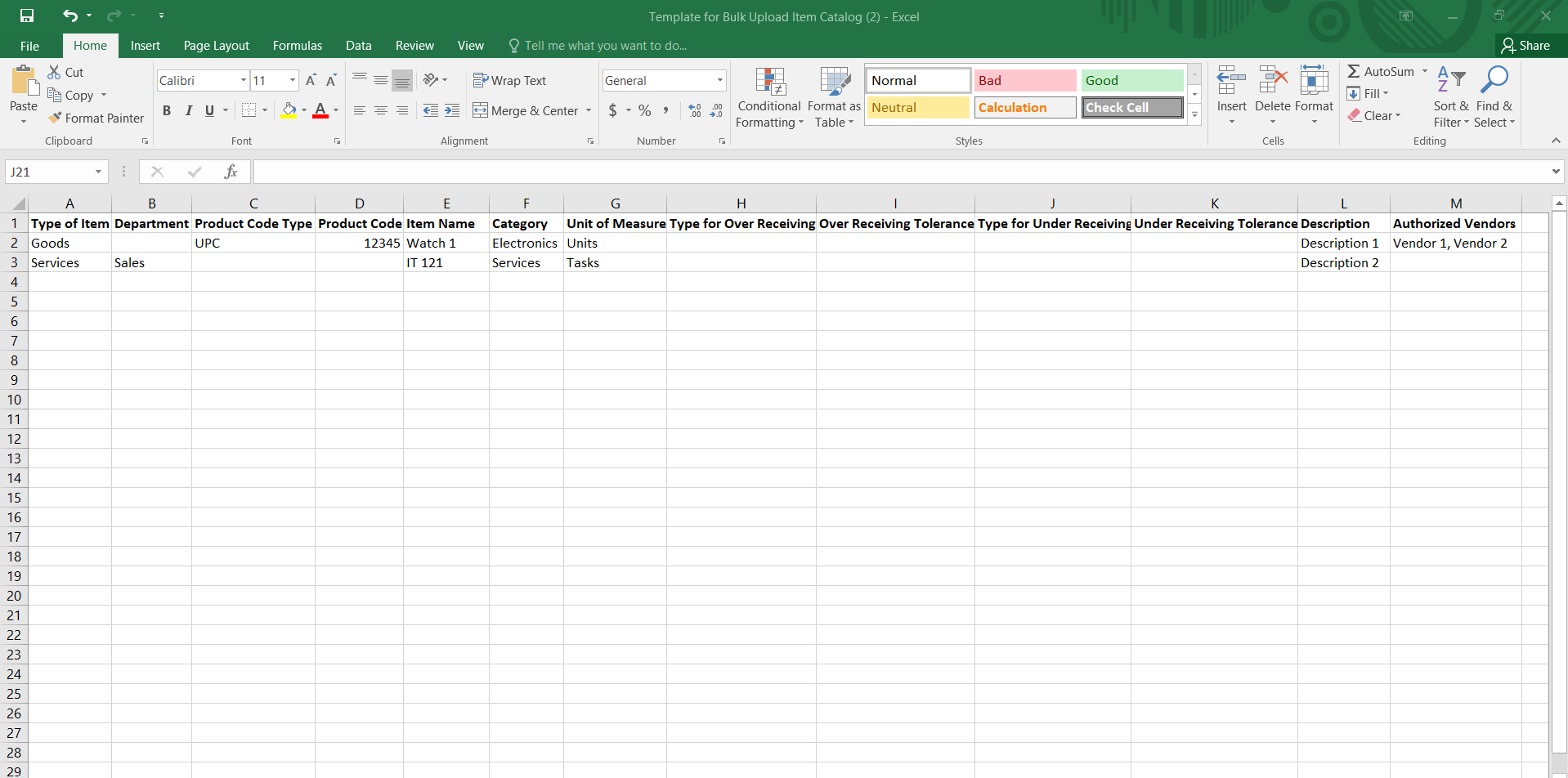
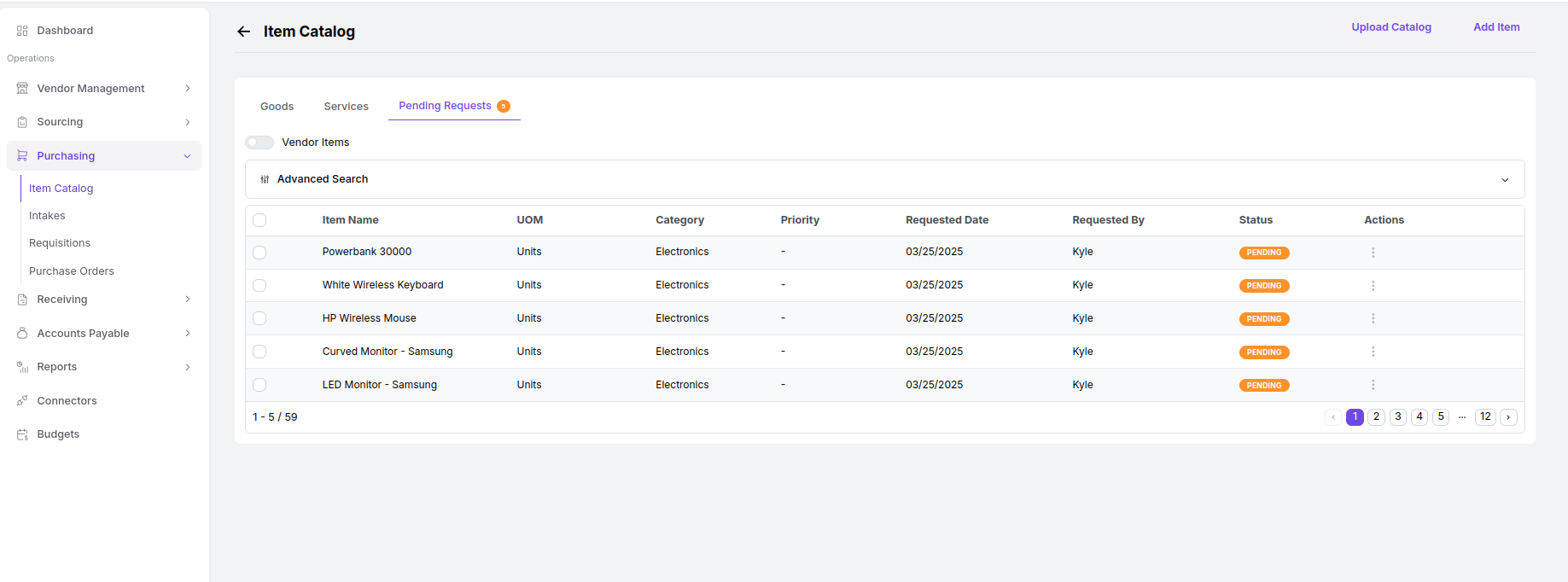
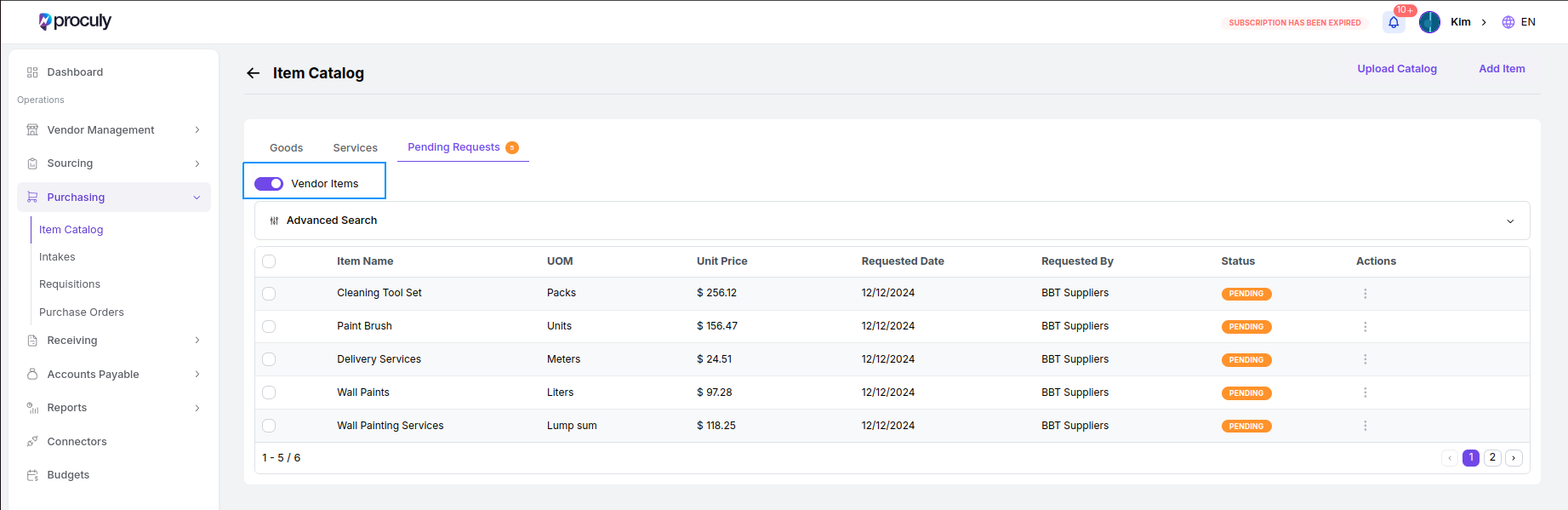
Mastering Inventory: Items and Services In this section, you have the power to efficiently oversee your frequently purchased items. Create and manage your item catalog list with ease. Access and utilize the item catalog via the purchasing module for seamless management. Clicking on the item catalog will take you to the item catalog page, where you can access the list of items already added to the system within the ‘Goods’ and ‘Services’ tabs.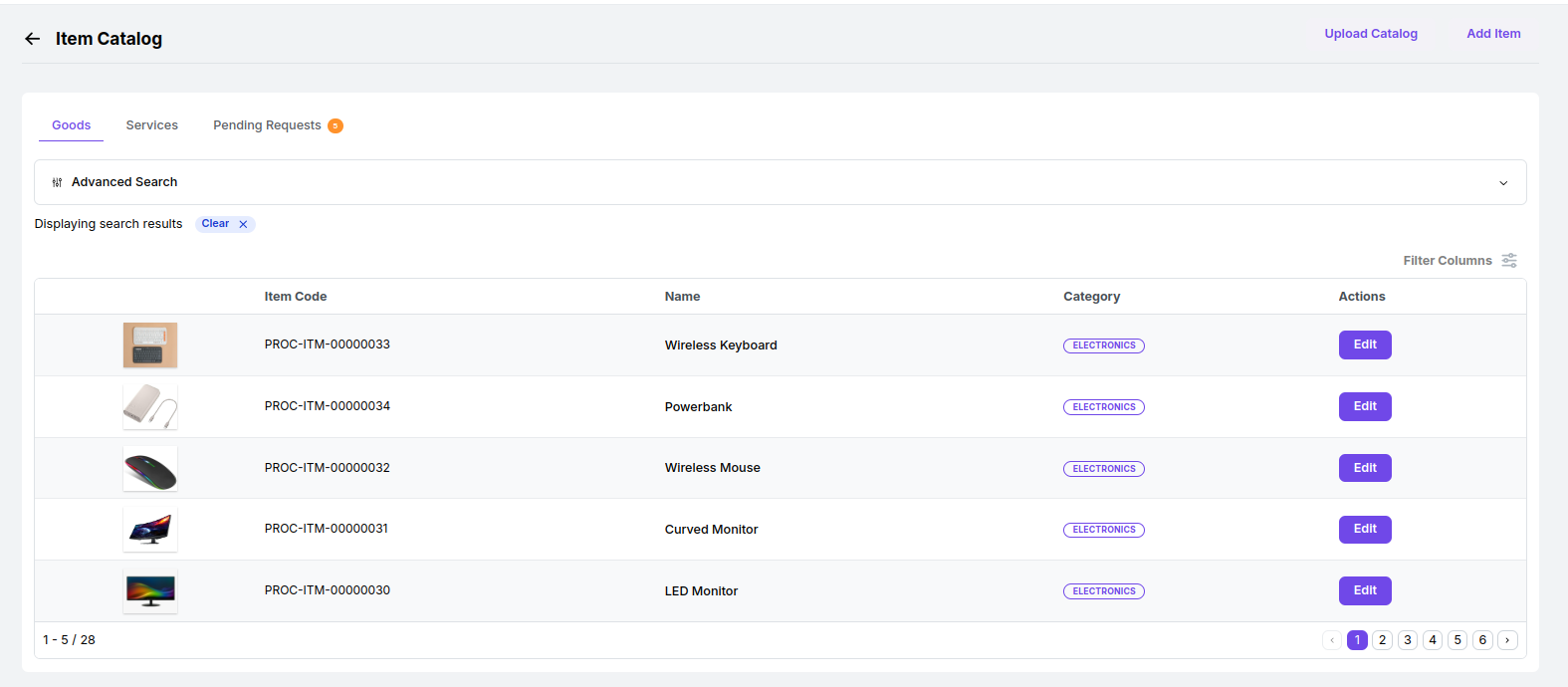
Edit Item
Edit Item
Click on the edit icon of the item to edit it.
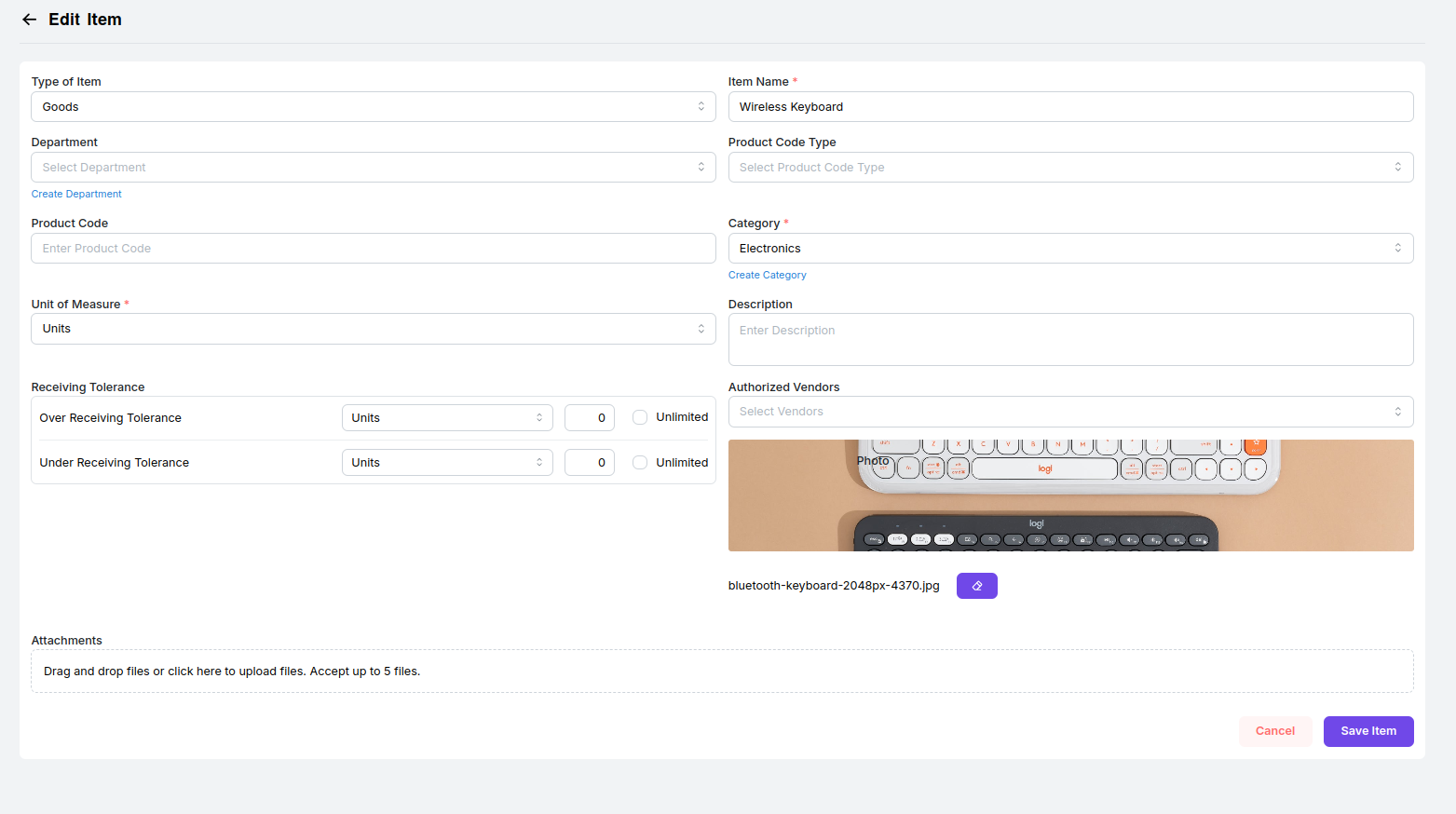
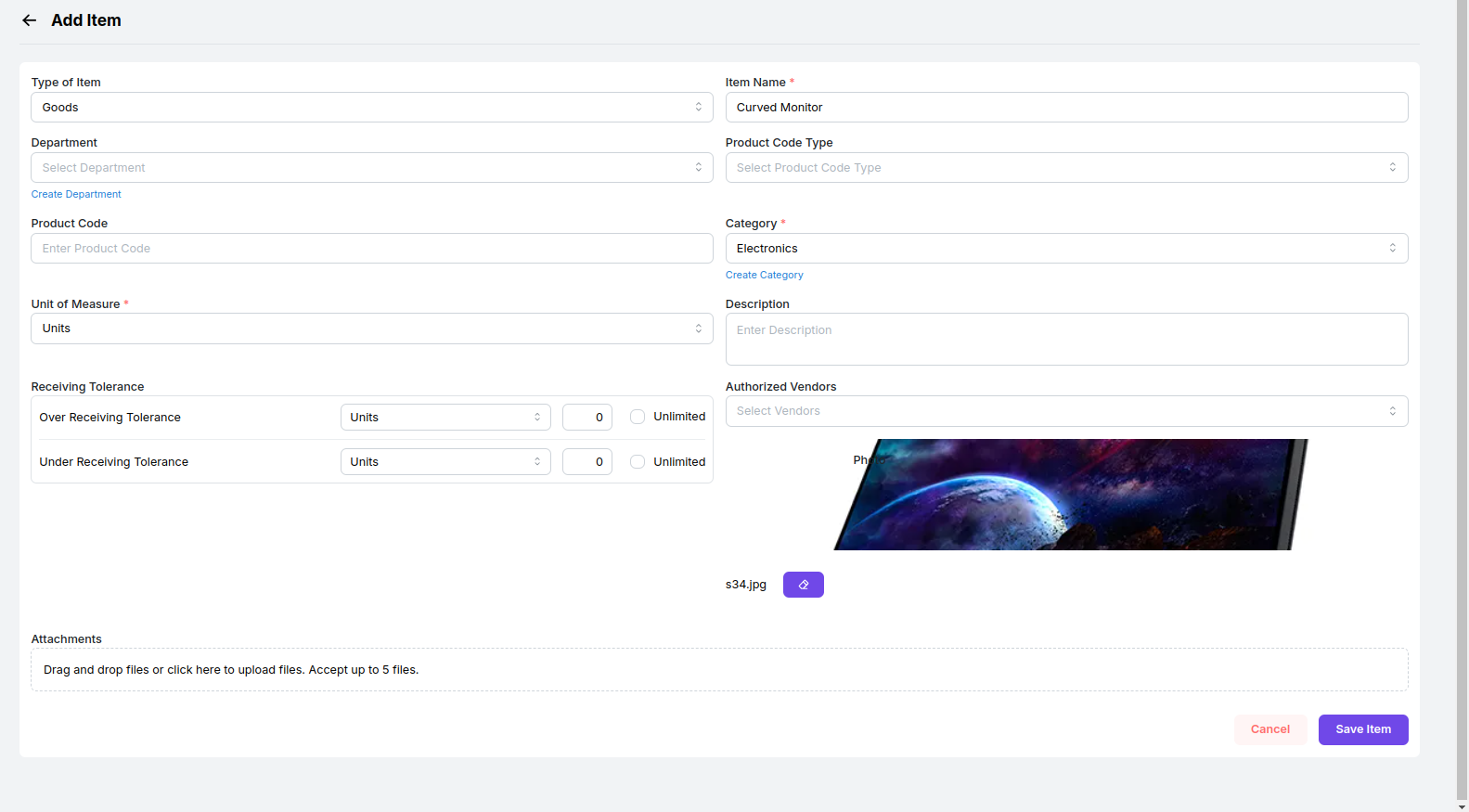
Save Item
Save Item
After you’ve made your modifications, simply save them.
Analytics and Reports
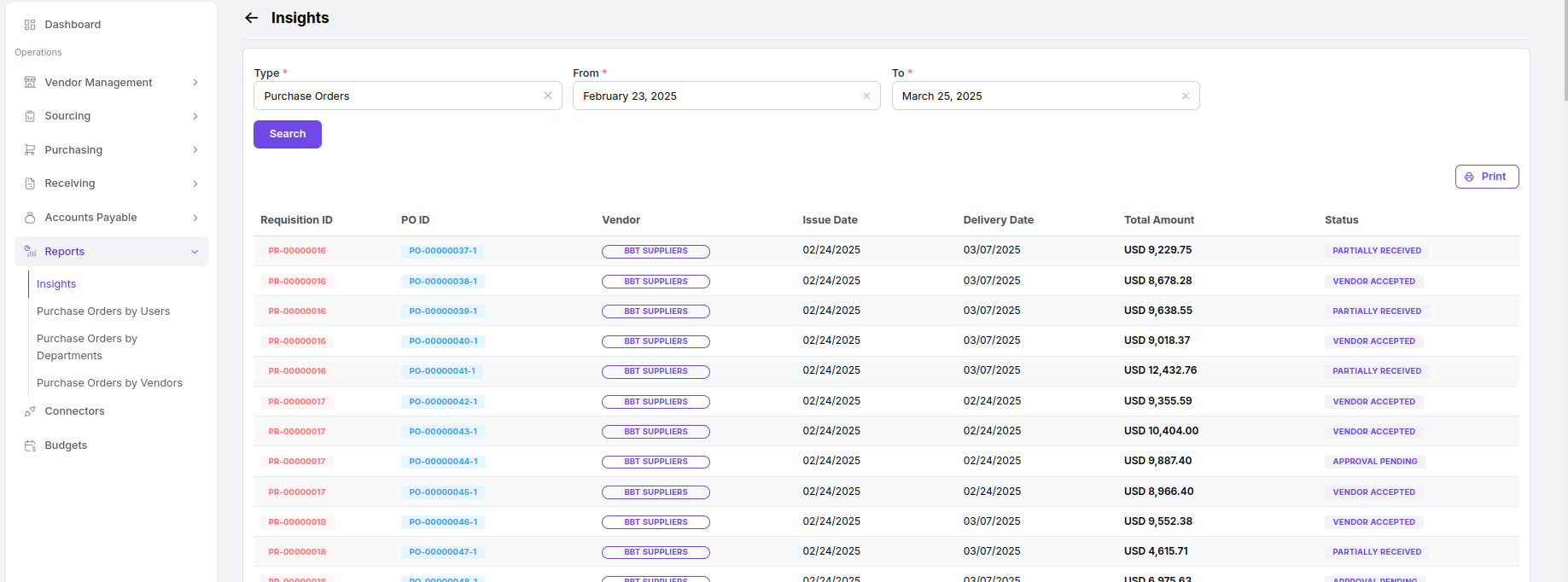
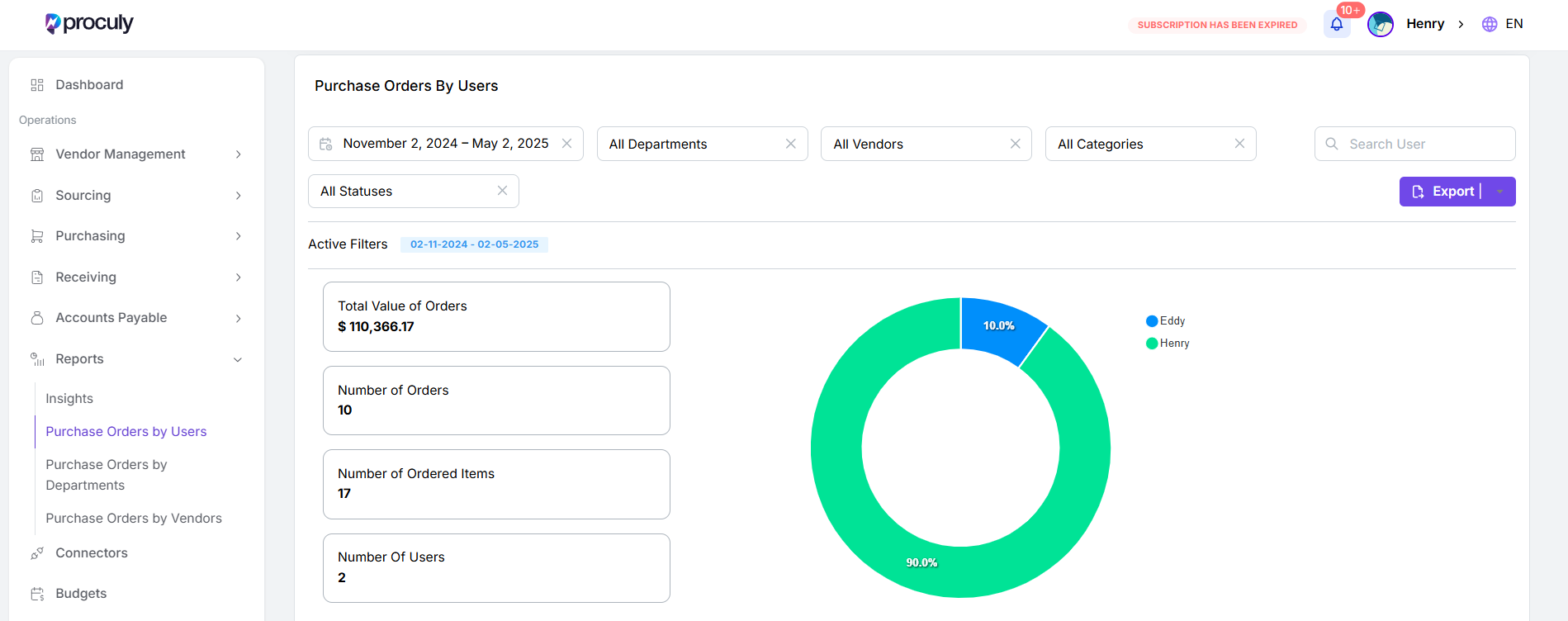
To access reports, simply navigate to the “Reports” tab on the left side of your screen. Upon clicking it, you will be directed to the screen displayed below. Here, you will see options for Insights Report and Purchase Orders Reports.These options provide comprehensive views and analysis of your procurement activities, helping you make informed decisions and track performance metrics effectively.